
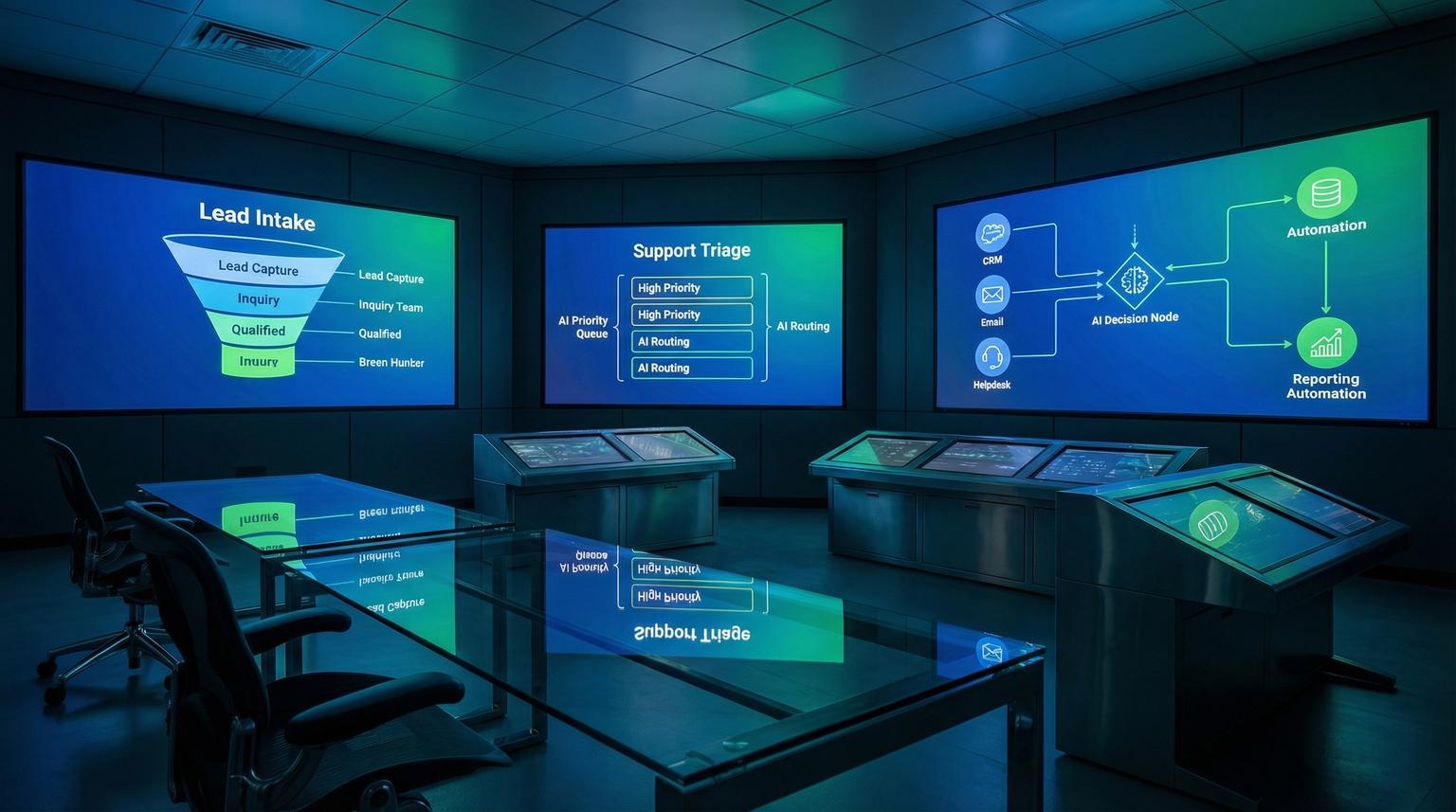
Most growing teams do not have a "lack of tools" problem. They have a workflow problem. Leads arrive from five places, support requests land in the wrong queue and reporting becomes a weekly fire drill. This is where AI-powered business process automation becomes practical, not theoretical. When you connect your CRM, inbox, forms, support desk and data sources into one system that can classify, route, summarize and alert in real time, you reduce manual work and get faster decisions.
This guide is for business owners, ops managers and marketing or support teams who want reliable lead handling, consistent customer support triage and management-ready reporting without adding headcount. We will share concrete automation blueprints we build at ThinkBot Agency using n8n plus secure API integrations and AI models.
Quick summary
- Stop losing leads by automating capture, deduplication and CRM enrichment across forms, email and ads.
- Route and tag support tickets automatically using AI classification plus confidence thresholds and human escalation.
- Turn raw CRM activity into weekly summaries, KPI snapshots and risk flags that managers can act on.
- Use n8n to orchestrate workflows across CRMs, email platforms, helpdesks and AI models with audit trails.
Quick start
- Pick one high-friction workflow, usually lead intake, support triage or weekly reporting.
- List your systems of record, typically CRM, email, forms, helpdesk and a database or spreadsheet.
- Define a routing rule set, including required fields, SLA tiers and when to escalate to a human.
- Build an n8n workflow with webhooks, API nodes and an AI classification step, then write results back to the source system.
- Add logging, deduplication and alerts, then pilot with a small team for 2 weeks before scaling.
AI plus automation transforms lead management, customer support and reporting by taking unstructured inputs like emails, chat messages and notes and converting them into structured actions like scoring, tagging, routing and summarizing. With an orchestration layer such as n8n, you can connect CRMs, inboxes and helpdesks to AI models that make consistent decisions in seconds while keeping humans in the loop for low-confidence cases.
Why manual workflows break as you scale
Manual processes fail in predictable ways:
- Lead leakage: inquiries sit in an inbox, get forwarded late or never make it into the CRM.
- Inconsistent qualification: reps interpret the same lead differently, so follow-up quality varies.
- Support misrouting: tickets are assigned based on guesswork, not intent or urgency.
- Reporting fatigue: someone exports CSVs, cleans them, builds slides and repeats next week.
Automation alone helps, but AI is what makes the system resilient when inputs are messy. A lead email is not a neat form submission. A support request is not a perfect dropdown. AI classification and summarization make these inputs usable, then workflow automation executes the next steps consistently.
Blueprint: AI lead capture, enrichment and scoring in n8n
Lead management is usually the fastest ROI place to start because it is repetitive and time sensitive. A strong workflow does four things: capture, dedupe, enrich and route.
Workflow pattern (what we build at ThinkBot)
- Triggers: web form submit, inbound email, chat widget, ad lead webhook.
- Normalization: map fields into a single schema, parse signatures, extract company name and role.
- Deduplication: check CRM for existing contact by email, domain and fuzzy match on name.
- Enrichment: call internal APIs or approved data sources, then append firmographic fields.
- AI lead scoring: classify fit, intent and urgency using a prompt plus rules, then output a numeric score and reason codes.
- Routing: assign owner, add tags, create tasks and send the right email sequence.
For a deeper dive into how we design these types of n8n workflows end to end, including enrichment, error handling and logging, see our article on n8n automation workflows for SMB operations.
Lead scoring prompt output schema (example)
Use a strict schema so your CRM fields stay consistent. In n8n we typically enforce JSON output and validate it before writing to the CRM.
{
"lead_score": 0-100,
"fit_tier": "high|medium|low",
"intent": "pricing|demo|support|partnership|other",
"industry": "string",
"priority": "p1|p2|p3",
"routing_team": "sales|support|ops",
"reason_codes": ["string"],
"follow_up_suggestion": "string"
}
What makes this reliable in production
- Confidence thresholds: if the model output is uncertain or missing required fields, route to a human review queue.
- Idempotency: use a unique key per submission to avoid duplicate CRM records during retries.
- Field-level governance: only allow AI to write to specific fields like tags, score, summary and next step.
We often pair this with an AI assisted email draft that writes a suggested reply into the CRM activity timeline, then the rep edits and sends. This is aligned with the broader approach of integrating AI into CRM workflows using automation platforms, as described in this guide.
Support triage that routes tickets and reduces time-to-first-response
Support teams feel the pain of unstructured inputs every day. The goal is not to replace agents. The goal is to ensure every request is categorized correctly, prioritized consistently and delivered to the right person with context.
Common triage automations we implement
- Auto-tagging: product area, bug vs how-to, billing vs technical, sentiment and urgency.
- Smart assignment: route by intent plus customer tier, SLA and agent skill group.
- Suggested response: draft a reply using knowledge base snippets, then require agent approval.
- Escalation: detect high-risk phrases, outages or repeat contacts and alert a lead in Slack or email.
Support triage checklist (use this when designing your workflow)
- Define 6-12 ticket categories that match how your team actually works.
- Decide which categories can be auto-routed vs which require manual review.
- Set confidence thresholds for AI classification and define the fallback path.
- Map customer identity to CRM account, plan tier and SLA level.
- Standardize priority rules, for example P1 for outage, billing failure or security issues.
- Create a dedupe rule to link repeat tickets from the same user in a time window.
- Store an AI summary and reason codes in the ticket for auditability.
- Add alerts for failures, rate limits and queue backlogs.
- Log every automation decision, including model output and final routing.

A proven pattern is intake -> intent detection -> ticket creation -> status updates back to the requester. This approach is similar to the internal ticket automation pattern described in this example, and we implement the same principles in n8n with your helpdesk and messaging stack.
Automated reporting that turns CRM noise into management-ready insights
Weekly reporting often fails because the data is scattered across CRM objects, email activity, support metrics and spreadsheets. Automation makes collection consistent. AI makes the narrative useful.
Reporting workflows we build in n8n
- Pipeline snapshot: pull deals by stage, compute stage conversion and flag stalled opportunities.
- Lead source performance: aggregate by channel, compute response times and highlight quality trends.
- Support themes: summarize top issues, sentiment changes and recurring blockers from tickets.
- Executive summary: generate a one-page narrative with risks, wins and recommended actions.
Example: weekly summary output (simple spec)
This is the kind of structure we generate so leaders can scan quickly, then drill down if needed.
{
"week_range": "YYYY-MM-DD to YYYY-MM-DD",
"kpis": {
"new_leads": 0,
"median_first_response_minutes": 0,
"pipeline_created": 0,
"tickets_created": 0
},
"highlights": ["string"],
"risks": ["string"],
"recommended_actions": ["string"],
"links": {
"crm_report_url": "string",
"support_dashboard_url": "string"
}
}
If you want richer insights, we can add semantic search and memory so your internal assistant can answer questions like "What are the top reasons deals are slipping this month?" inside your workflow. n8n has published patterns for building agents with persistent memory and vector search that we can adapt to your CRM and ticket history using this approach. To go further on using AI to clean and unify data across these systems in real time, read our guide to AI-powered data processing for business workflows.
Choosing the right automation stack: n8n vs Zapier vs Make
At ThinkBot we use the tool that best fits the job, security requirements and long term ownership. Here is a practical comparison for teams building lead, support and reporting automations.
| Decision factor | n8n | Zapier | Make |
|---|---|---|---|
| Complex branching and data shaping | Strong, code-friendly when needed | Good for simpler paths | Strong visual mapping and routers |
| Self-hosting and data control | Yes, common for regulated teams | Typically cloud-first | Cloud-first, some enterprise options |
| AI orchestration patterns | Great for multi-step AI pipelines and custom APIs | Good for lightweight AI steps | Good for chaining AI with CRM tasks |
| Best fit for this post's use cases | End-to-end lead, support and reporting systems | Quick wins and departmental automations | Marketing and CRM ops automations with rich mapping |
We are highly active in the n8n community and we frequently implement n8n as the orchestration layer when workflows need robust error handling, reusable subflows and API-first design. We also integrate with existing Zapier or Make setups when a client already has them in place. If you are comparing broader business automation options, our article on AI integration in business automation walks through additional patterns and tradeoffs.
Failure modes and guardrails for AI-driven workflows
AI can make decisions fast, but it must be bounded. Use these guardrails to keep automations safe and predictable.
Common failure modes and mitigations
- Misclassification of intent -> Use confidence thresholds, add a human review queue and log reason codes.
- Duplicate CRM records -> Implement idempotency keys and dedupe checks on email, domain and fuzzy name match.
- Hallucinated details in summaries -> Restrict outputs to retrieved fields, require citations from source records and store raw inputs for audit.
- Over-sharing sensitive data -> Apply data minimization, redact PII and restrict which fields are sent to the model.
- Silent automation failures -> Add monitoring, retries with backoff and alerts to ops when error rates spike.
- Model drift over time -> Re-evaluate prompts and routing accuracy monthly, then adjust thresholds and labels.

How ThinkBot implements smart automation without disrupting your team
Most teams fail with automation because they try to rebuild everything at once. Our approach is iterative: stabilize the flow, then add intelligence.
Implementation playbook (what to expect)
- Week 1, discovery and mapping: define sources, systems of record, required fields and routing rules. Owner: Ops lead with ThinkBot.
- Week 2, build and secure: implement n8n workflows, API connections, credentials and logging. Owner: ThinkBot.
- Week 3, pilot: run with a small group, review misroutes and tune confidence thresholds. Owner: Sales or Support manager.
- Week 4, rollout: expand to full team, add dashboards and SLA alerts. Owner: Ops lead.
- Monitoring: track time-to-first-response, % auto-routed, lead-to-meeting rate and error rates. Owner: Ops.
- Rollback plan: keep manual routing as a fallback, feature-flag AI steps and ensure workflows can revert to rules-only mode. Owner: ThinkBot with your admin.
If you want help designing or implementing these workflows, book a consultation with ThinkBot Agency and we will map your current process, then propose an automation blueprint you can actually run in production. Book a consultation. You can also explore broader business process automation solutions to see how these AI-powered patterns extend beyond sales and support.
For examples of the types of systems we deliver across CRMs, support desks and custom APIs, you can also review our portfolio.
FAQ
Answers to common questions we hear from teams considering smarter automation for lead management, support and reporting.
- What is AI-powered business process automation in practice?
It is the combination of workflow automation and AI steps like classification, summarization and scoring so messy inputs can trigger consistent actions across your CRM, email and support tools. - Can n8n connect my CRM, email platform and helpdesk in one workflow?
Yes. n8n can orchestrate webhooks and API calls across your systems, then write results back to each tool with logging, retries and human-in-the-loop review steps. - How do you prevent AI from misrouting leads or tickets?
We use confidence thresholds, reason codes, required-field validation and safe fallbacks that route low-confidence cases to a review queue instead of auto-assigning. - What data do you need to start automating lead scoring and reporting?
At minimum you need consistent lead sources and a CRM with basic fields. Better results come from historical outcomes like won or lost deals, ticket categories and response time metrics. - Do you build these workflows for existing systems or do we need to change tools?
We typically integrate with what you already use, then improve the process around it. If a tool change is truly required, we will explain why and propose a migration plan.
