
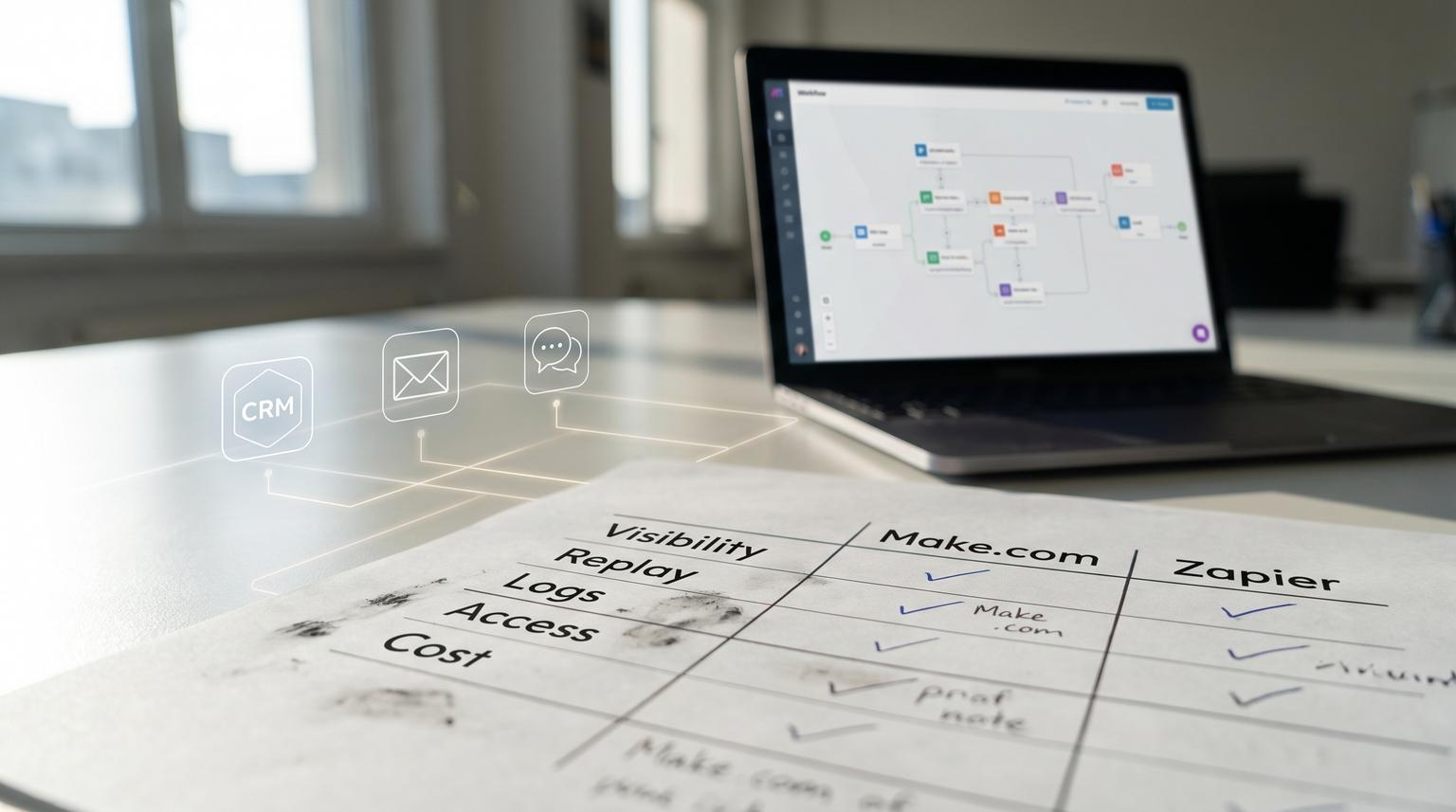
When you move from a handful of automations to 50 plus workflows reliability and governance become the real bottleneck. The question is no longer which tool is faster to build in. It is which one lets your team see failures quickly replay safely control changes and keep ownership clear across departments. This comparison focuses on make.com vs zapier for business automation in that exact reality: multi step multi app workflows where a missed lead handoff or a broken field mapping can quietly cost pipeline.
This article is for ops leaders RevOps marketing ops and CRM teams who already have automation sprawl and need a consistent way to decide between Make and Zapier based on run visibility error handling reprocessing auditability permissions and cost behavior at higher volumes.
Quick summary:
- If you need strong run state capture and controlled reprocessing during complex multi step failures Make tends to fit better.
- If you need quick step level diagnosis and targeted replays for a single failed step Zapier can be very effective especially with standardized error handlers.
- At scale log retention and replay limits become decision making criteria not minor details.
- Clear ownership boundaries and change control reduce silent failures more than adding more automations.
Quick start
- Pick one critical workflow (lead to meeting handoff) and map every side effect step (CRM write Slack notify email send calendar create).
- Define your incident standard: what must be visible within 15 minutes and what can wait for retries.
- Decide your replay rule: step only retry vs full run rerun and how you prevent duplicates.
- Set governance basics: environment separation naming conventions ownership and a release process for changes.
- Estimate monthly volume including retries and replays then compare how each platform bills failure and recovery behavior.
If you are managing 50 plus workflows choose the platform that best matches your governance needs: visibility into failures safe replays with minimal duplicate side effects durable logs you can audit and role based controls that prevent accidental edits. Zapier is strong for targeted step replays and step level run details while Make is strong for capturing incomplete executions and resuming complex scenarios with more explicit operational controls. The better fit depends on your tolerance for replay limits log retention and how you assign ownership across teams.
The scenario map we will use lead to meeting handoff
To keep this practical we will evaluate both tools against one real workflow shape that most teams recognize. The details vary but the operational failure modes are consistent.
Scenario steps
- Intake: Web form chat widget and inbound email create a lead event.
- Normalize: Clean fields (name email company region consent) and dedupe by email domain or CRM ID.
- Enrich: Call enrichment API (firmographics and LinkedIn) and classify lead quality.
- CRM write: Create or update lead and create an activity record.
- Routing: Assign owner using territory rules and round robin.
- Notify: Post to Slack and create an internal task.
- Follow ups: Add to email sequence and if high intent create a calendar booking link or handoff to SDR.

Where teams usually break at 50 plus workflows
- Silent failures: an enrichment timeout prevents routing but nobody sees it until a salesperson complains.
- Duplicate side effects: replays rerun Slack pings and emails creating noise or compliance risk.
- Schema drift: CRM field changes cause validation errors and the workflow fails in the middle.
- Volume spikes: a webinar form triggers hundreds of leads in minutes and rate limits cascade.
Evaluation criteria that matter when maintenance becomes the cost
At ThinkBot Agency we see the same pattern: initial build speed stops mattering once the business depends on dozens of automations across multiple owners. The criteria below are the ones that reduce upkeep time and stop missed handoffs.
- Failure visibility: Do you learn about failures fast enough to protect revenue and customer experience?
- Replay semantics: Can you retry only what failed and avoid duplicating earlier steps? For more depth on building scenarios that hold up under reprocessing and governance, see our pillar guide: Make.com automation playbook for reliable scenarios operating at scale.
- Logging and observability: Can you see payloads data in and out and HTTP errors long after the fact?
- Environment and access controls: Can you separate builders from operators and isolate teams?
- Change control: Can you connect an incident to a version and roll forward safely?
- Cost at scale: What do retries and replays cost when volume spikes and failures happen?
Side by side comparison using the lead to meeting scenario
| Category | Zapier behavior at scale | Make behavior at scale | What it means for this workflow |
|---|---|---|---|
| Error handling and retries | Replay exists in two modes. From history you can replay errored steps without rerunning successful steps. Autoreplay can retry up to 5 times with backoff over about 10.5 hours. You can also build step level custom error handling routes. | Error handling routes attach to a module. You can design a transparent handler that lets scheduling continue when the error is handled. Scenario settings include store incomplete executions and limits for consecutive errors. | If enrichment fails you often want to keep the lead and continue with a minimal CRM write then queue enrichment for later. Both can do it but Make makes the run state and later completion more explicit while Zapier excels at replaying only the failed step when everything else already succeeded. |
| Replay and reprocessing semantics | History replay does not rerun the trigger and only reruns failed steps. Editor replay can rerun the full Zap run. Filters and Paths are not replayed from history which matters if routing logic changes. Replay window is 60 days and significant Zap changes can block replaying old runs. | Incomplete executions can be stored and later completed with context. Sequential processing can enforce ordered runs and prevent overlap during bursts. Your reprocessing approach can be designed around stored execution state. | Routing changes happen often. If your routing uses gates early (filters paths) Zapier history replay may not reevaluate them. Make tends to be better when you need to resume complex flows with preserved context and you want deterministic handling during spikes. |
| Logging and observability | Run view shows step statuses Data In Data Out and detailed logs. The run includes a unique run ID and Zap version used. HTTP logs are retained for about 7 days per step which is a key audit constraint. See run details. | Execution history plus the ability to store incomplete executions provides a strong basis for investigation and completion. Operational settings force explicit decisions about data loss and stopping behavior. | If your team discovers a missed handoff two weeks later Zapier step HTTP logs may be gone unless you persist key payloads externally. In either tool a best practice is to write an audit record (lead ID routing decision run ID timestamp) to a database or sheet for longer retention. |
| Environment and access controls | Common model is shared Zaps with permissions depending on plan. In practice many teams end up with too many editors which increases accidental changes unless you enforce process outside the tool. | Teams provide a clear ownership boundary and include roles like monitoring (read only) and operator (can run and schedule but not edit). Assets like connections webhooks and data stores are team scoped. | For 50 plus workflows you want builders to build and operators to operate. Make teams and roles can reduce change risk while still allowing ops staff to restart schedules or pause scenarios during incidents. |
| Cost behavior at higher volume | Replays consume tasks. Replaying an entire run counts again for successful steps which can multiply cost if you use full reruns during incidents. Autoreplay also consumes tasks during retries. | Error handling routes do not consume operations which can make resilience patterns cheaper. Operations still apply to the main route and any normal processing plus data transfer and credit constraints per team. | In lead routing spikes the cost story is mostly about what happens during retries replays and partial failures. If you expect frequent transient API errors Make can be cost friendly when handlers capture and defer without extra billed operations. If your failures are rare but you value targeted step replays Zapier can be efficient if you avoid full reruns. |
Decision rules that prevent silent failures
Instead of choosing based on app count or UI preference use rules tied to your operational reality. If you want a broader platform-level breakdown beyond this operational lens, read Zapier vs Make.com Comparison: Choosing the Right Automation Platform for Complex Workflows, Pricing, and Integration Needs.
Rule 1 Optimize for time to detect not time to build
If a lead must be routed within minutes you should be careful with any retry strategy that delays notifications until retries are exhausted. Zapier autoreplay is great for reducing noise but it can postpone alerting until the final attempt fails. For time sensitive handoffs many teams send an early warning to an ops channel on the first failure and a second escalation only if retries still fail.
Rule 2 Prefer step only recovery when earlier steps have side effects
If your workflow already posted to Slack or created a CRM activity you want a recovery path that does not duplicate those. Zapier history replay is strong here because it can reattempt only the failed step and skip previously successful steps. Make can achieve similar outcomes with careful design but the key is to separate read steps from write steps and to make writes idempotent (upsert by unique key not create new records blindly).
Rule 3 If routing logic changes often avoid replay paths that skip gates
A common failure pattern is changing territory rules after a mistake then trying to replay old failures. In Zapier filters and paths do not replay from history which means a fixed routing rule might not be reevaluated on replay. If your business needs re evaluation of branching logic you may need editor replays or a separate reroute workflow that reads the stored lead record and applies current rules.
Rule 4 Choose the tool that matches your audit window
Zapier step logs are available for about 7 days which can be too short if stakeholders notice problems later. If your audits and investigations regularly happen weeks later plan to persist a minimal trace externally: run ID lead ID normalized payload version and final routing decision.
Governance checklist for teams managing 50 plus workflows
Use this to standardize governance across either platform. It is intentionally specific to lead and CRM workflows. For a practical lead-to-customer implementation checklist (deduplication, routing, enrichment, and guardrails), see Make.com automation solutions for lead-to-customer workflows that convert faster.
- Ownership: every workflow has a named business owner and a technical owner. A shared Slack channel is not an owner.
- Naming conventions: include system boundary and criticality (ex: REVOPS Lead Intake Critical).
- Version discipline: publish changes in small batches and record what changed in a change log entry.
- Error handling policy: every critical write step (CRM create update email send calendar create) must log the payload and alert an owner.
- Replay policy: define when operators may replay and when changes must be made first. Also define how to avoid double sends.
- Data contract: maintain a canonical lead object shape and validate before CRM write. Most breakages come from missing fields and type changes not from the automation platform.
- External audit trail: store lead ID run ID routing decision and outcome for at least 30 to 90 days depending on sales cycle.
- Capacity controls: decide how you handle webinar spikes: queue, sequential processing, batching or back pressure.

Failure modes you should design for in either tool
At scale you do not just handle errors. You handle the business impact of errors.
Enrichment API rate limiting during a spike
- What happens: enrichment step fails intermittently and downstream routing never runs.
- Mitigation: capture the raw lead and proceed with a minimal CRM record then enqueue enrichment for later. In Make you can rely on module level error routes and consider sequential processing to reduce burst concurrency. In Zapier attach an error handler to the enrichment step to log and continue with a fallback path.
CRM schema change causes validation errors
- What happens: a required field changes name or type and the CRM write fails for all new leads.
- Mitigation: error handler writes the rejected payload and CRM error message to an audit store and notifies the owner with the run ID and the lead email. Zapier run details include the Zap version used which helps correlate to the change. Make can stop scheduling after a configured number of consecutive errors which prevents endless failures.
Duplicate notifications caused by full reruns
- What happens: someone reruns the whole workflow to fix a single failed step and Slack and email steps fire again.
- Mitigation: prefer step level recovery when possible and add idempotency guards. Example: before sending an email check the CRM activity log for a matching message ID. Before posting to Slack use a dedupe key stored on the lead record.
Delayed discovery of a missed handoff
- What happens: sales notices missing leads two weeks later and the detailed logs are no longer available in the tool.
- Mitigation: persist a thin audit row for every run and include enough context to reprocess outside the tool if needed. This is especially important given Zapier step log retention limits and long sales cycles.
Cost and reliability mechanics that change the answer at high volume
Two teams can run the same workflow count and still have very different bills depending on how often they replay and how they handle errors.
Zapier cost pattern to watch
When you replay from history you generally avoid rerunning successful steps which helps control duplicate side effects and can reduce cost compared to full reruns. But replays still consume tasks and if you use editor replay (full run) you pay again for steps that already succeeded. Also remember that autoreplay will consume tasks across its attempts. The operational rule is simple: if failures are frequent due to external APIs fix the upstream stability first or you will pay for retries forever.
Make cost pattern to watch
Make error handling routes do not consume operations which can make defensive design cheaper. At the same time Make gives you more operational levers that can backfire if mis set: storing incomplete executions and sequential processing can increase stored state and slow throughput if operators do not clear backlogs. If you set team credit limits without classifying critical workflows you can accidentally pause revenue critical scenarios.
When Make or Zapier is not the best fit
If your lead to meeting flow needs strict transactional guarantees across multiple systems or you require long term immutable audit logs for compliance neither platform alone should be the source of truth. In those cases you usually want a message queue database backed event log or a custom service where automation tools act as edge orchestrators. We also see teams outgrow both when they need complex branching based on large datasets or when they need automated testing and CI for workflow changes.
A practical operating model for standardizing 50 plus workflows
This is the part most teams skip and it is why automation sprawl becomes expensive. You need a lightweight process that matches the platform you choose.
Suggested roles
- Builder: designs and edits workflows and owns the data mapping.
- Operator: monitors runs handles replays and manages schedules.
- Approver: signs off on changes to critical workflows (usually RevOps or ops lead).
Make supports this separation directly with team roles like operator and monitoring. Zapier can support it too but you often need stronger internal process to avoid too many editors.
Release process that reduces breakage
- Clone or version the workflow then apply small changes.
- Test with a known lead payload including edge cases (missing company, international phone, duplicate email).
- Publish during a low risk window and watch runs for 30 to 60 minutes.
- If failures rise roll back by restoring the previous version or disabling the changed step and using a safe fallback.
One real world ops insight from the field
The fastest way to reduce incident time is to standardize the alert payload. We recommend that every critical workflow sends a single structured alert on failure that includes lead email CRM record link the failing step name and the run identifier. In Zapier that is the run ID from history. In Make that is the execution reference plus the lead identifier you store in your audit trail. Without that context operators waste time recreating the lead and guessing where it broke.
Need help standardizing governance across Make or Zapier? ThinkBot Agency designs and refactors automation systems so teams can manage dozens of workflows with consistent logging ownership and safe replay patterns. Book a consultation and we will review one critical workflow and give you a reliability and change control plan you can apply across the rest.
FAQ
Which is better for replaying failed steps without duplicating earlier actions?
Zapier is strong when you want to replay only the errored steps from history because it does not rerun successful steps or the trigger. That helps avoid duplicate Slack messages or emails. Make can also avoid duplicates but you typically achieve it through scenario design idempotent writes and handling incomplete executions carefully.
How big of a problem is Zapier log retention for teams?
It can be significant. Zapier provides step level logs and Data In and Data Out but detailed HTTP logs are only available for about 7 days. If your team often discovers issues after a week you should store a minimal external audit trail for critical workflows regardless of platform.
Do Make error handlers affect billing?
Yes. In Make the error handling route does not consume operations which can reduce the cost of resilience patterns like logging and alerting on failures. You still pay for the main route operations and overall processing but defensive handling can be less expensive than reruns.
What access control approach works best when multiple departments touch automations?
Clear ownership boundaries and separation between builders and operators works best. Make has organization and team scoping plus roles like operator and monitoring that support this structure. In Zapier you can still implement governance but you may rely more on internal process to limit who can edit and publish changes.
